
How do I disconnect an AI assistant from my Beauty Booking account?
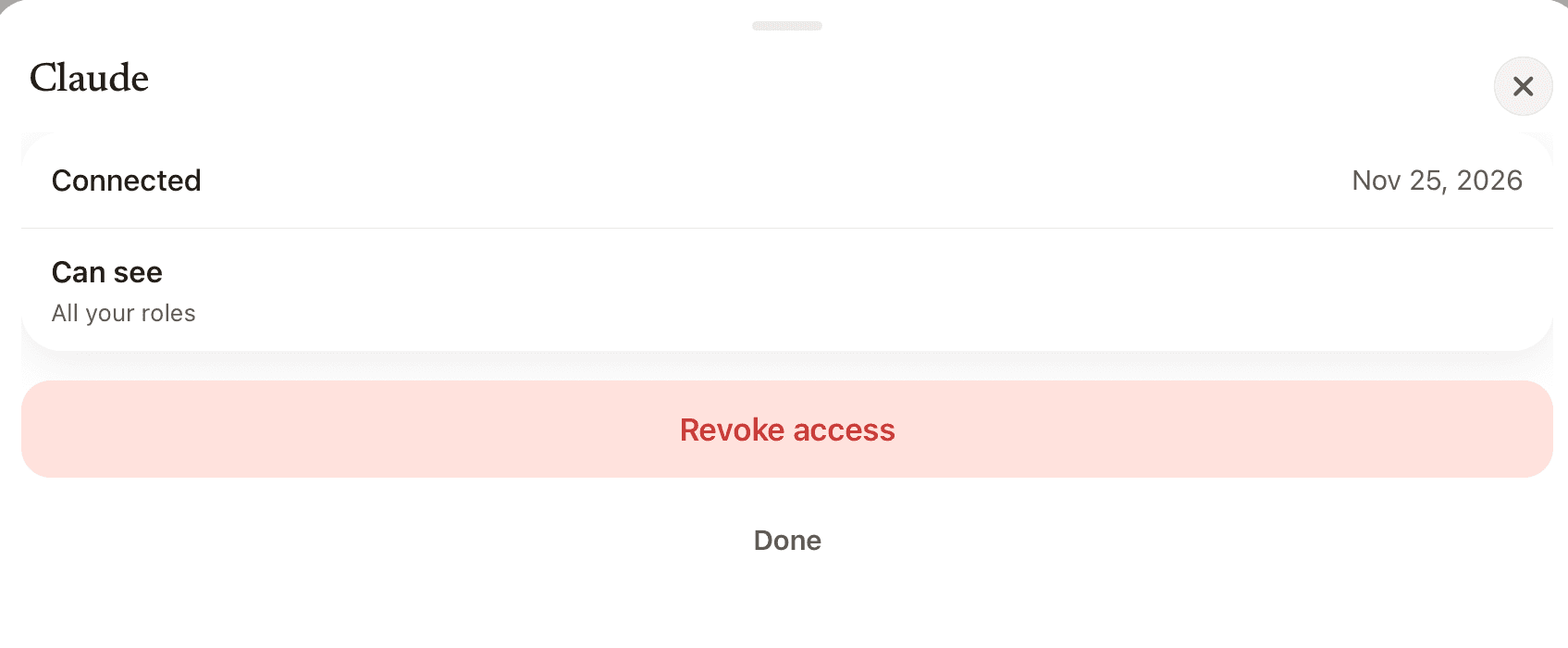
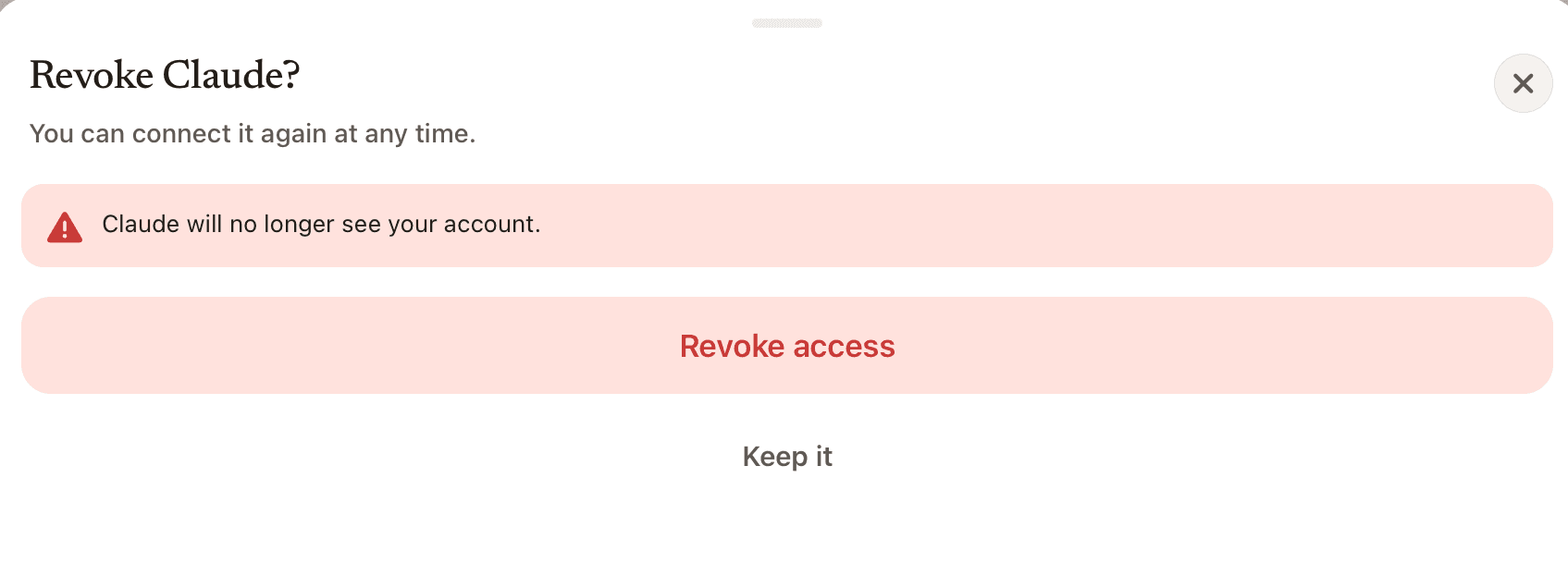
Open the "AI assistant" screen, tap the assistant in the "Connected assistants" list, tap "Revoke access" and confirm with "Revoke access" again. From that moment the assistant can no longer see your account, and it disappears from the list. Other connected assistants keep working.
Where is the list of connected assistants?
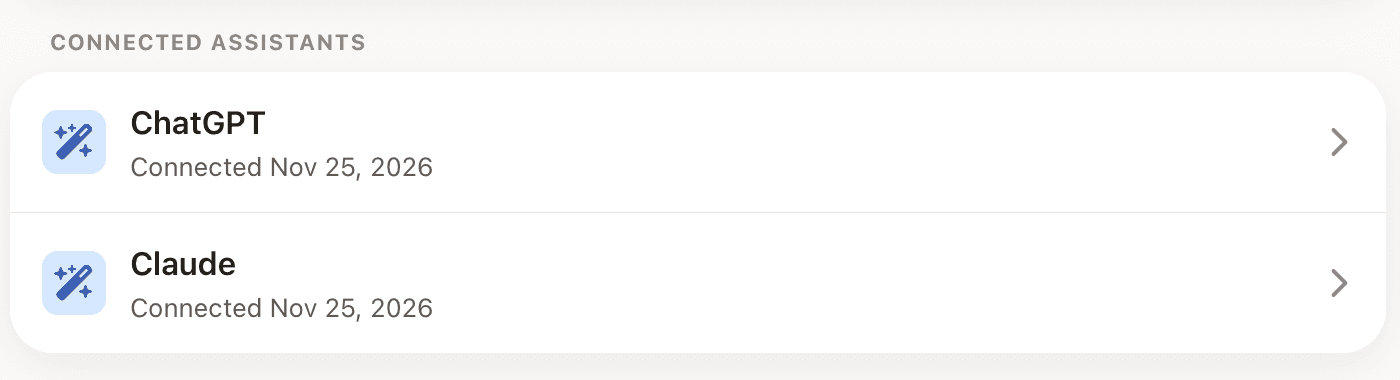
In the master app, open "Profile", then "App settings", and tap "AI assistant" in the "Connections" group. In the web cabinet, open "Settings" and go to "Connections". Each assistant shows with the date it was connected. If nothing is connected, the list is not shown.
What if I change my mind on the confirmation?
Tap "Keep it" and the assistant stays connected. Nothing changes until you confirm "Revoke access".
What if revoking fails?
Without an internet connection nothing is revoked, and you see "No connection - nothing was revoked". If our server does not answer, the confirmation stays open with a red note that the assistant still has access. Tap "Revoke access" again to retry.
Does signing out disconnect my assistants?
No. Signing out of the app or the website leaves your assistants connected. Deleting your account disconnects every assistant. You can connect an assistant again at any time with the same link.