
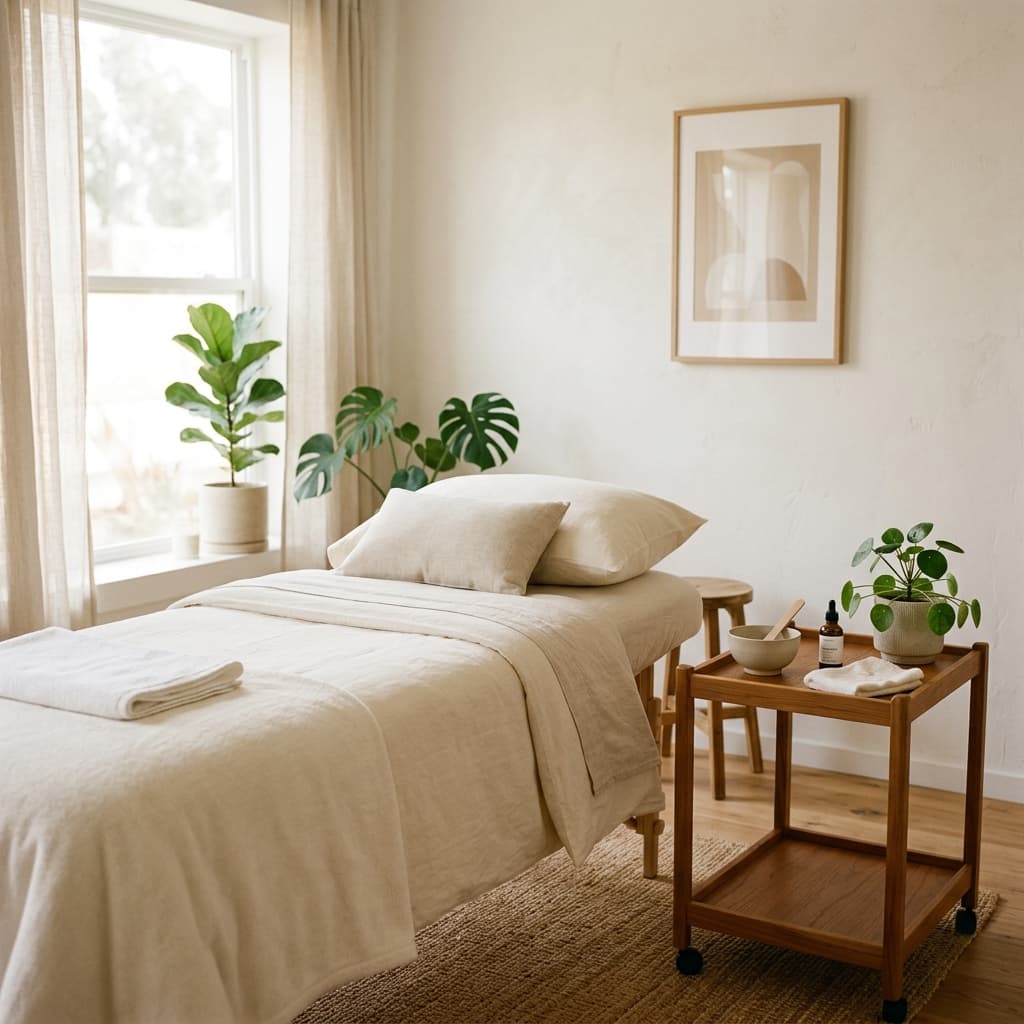
What app a brow and lash artist needs
A brow and lash artist needs an app that keeps four things in one place: a calendar with repeat touch-up visits, a note on every client (curl, length, thickness, allergies), booking several services in one visit, and a page with photos of your work where clients book themselves. Everything else is a nice extra. Beauty Booking has all four (the booking page comes with the paid Lite and Pro plans): an iPhone app for the master plus a web back office, and clients book for free on your page or in the Telegram bot.
How often clients come back for a touch-up
The gap depends on the service and on how a given person's lashes or brows grow, so the final call is the master's. Benchmarks from open sources, as of November 2026:
- Lash extensions. The OpenExamPrep study guide for the Texas eyelash extension specialist licensing exam says fills are booked every 2-3 weeks, that is, after 14-21 days.
- Lash extensions, studio practice. The Canadian studio Divine Lashes recommends a fill every 3 weeks to keep the lash line full, with at least 60% coverage.
- Brow lamination. The Fresha platform, in an article from May 2026, says lamination lasts 4 to 8 weeks, most often 6-8, and advises repeating it no more often than once every 6-8 weeks.
So lash extensions run on a two-to-three-week rhythm, and brow lamination on a six-to-eight-week one. That is the rhythm your calendar has to hold.
How to book touch-ups in advance
The simplest way is to book the next visit before the current one ends. Regulars who already have a date rarely forget it, and you can see your workload ahead of time.
In Beauty Booking an appointment can repeat: every week, every 2 weeks, every 4 weeks, or on custom dates. Custom dates help when the schedule is uneven: for example, a lash fill after 3 weeks or brow lamination after 6. The client card shows the next visit, so you can tell at once whether the touch-up is already booked.
What to write in a client note
For brows and lashes, the note matters as much as the calendar. Next time you want to repeat what the client liked, not rely on memory. What is worth keeping:
- the curl, length and thickness of the lashes, plus the chosen effect;
- the brow shape, the dye or henna and the shade;
- allergies and reactions to glue, dye or the lamination solution;
- wishes: "not wider", "more natural", "it didn't hold well last time".
Allergies are not a formality. The US Food and Drug Administration (FDA), on its eye cosmetic safety page as of November 2026, warns that an allergic reaction or irritation around the eyes can be especially unpleasant, and advises checking the ingredients of lash adhesives.
In Beauty Booking every client has a permanent note: allergies, colour formulas, preferences. Only you can see it. You can add "before" and "after" photos to a visit, and they stay in the client's history, so next time it is easy to compare the result. Clients who book online can also leave a comment with their request, for example about an allergy or a reference look.
How to book several services in one visit
Brows are rarely a single service: shaping, tinting, lamination, sometimes lashes too. If you book it all as one long visit with no breakdown, you lose track of both price and time.
In Beauty Booking a visit is made up of several services, and each can have a quantity. On your page the client picks several services in one request, and the total and the duration add up on their own: each service's price and time multiplied by its quantity, all added together. The prices are yours, in your currency.
How to send clients from Instagram to booking
Instagram is good at showing your work but bad at keeping a schedule: messaging back and forth in DMs about free slots eats up your evenings. It is better to put a link in your profile to a page where the client sees services, prices, photos of your work and free time on their own.
In Beauty Booking such a page comes with the Lite and Pro plans. It shows your services, prices, address, free slots and photos of your work. You can put the link in Instagram, Telegram or anywhere else. Every booking arrives as a request: you confirm it, offer another time or decline it. Clients have nothing to install, and there is no commission on bookings.
What Beauty Booking does not have yet
Honestly about the limits, as of November 2026:
- the master app is iPhone only; there is no Android app yet;
- there is no map or search for nearby masters for clients, so clients come through your link;
- there are no reviews or ratings of masters;
- there is no online payment or prepayment through the app.
If you specifically need card prepayment at booking, other services are stronger here for now.
How much it costs
App Store prices in US dollars, as of November 2026:
- Free - the first 50 appointments free. It is a working tool for you: calendar, clients, notes, finances, but no online booking page yet.
- Lite - $3.33 a month billed yearly ($39.99 in one payment) or $4.99 month to month. For a master who works alone: no appointment limit and a booking page.
- Pro - $6.67 a month billed yearly ($79.99) or $9.99 month to month. Everything in Lite plus a salon, one price for any number of masters.
Every paid plan starts with a free month. All billing terms are at https://www.beauty-booking.biz/en/pro/pricing